Microsoft Teams Integration
Last updated: October 22, 2025
The Microsoft Teams integration allows you to automatically add a Teams link to an interview once a time has been agreed between you and the candidate. The link for interview event is created when a candidate is invited in an interview or when the interview is edited or progressed.
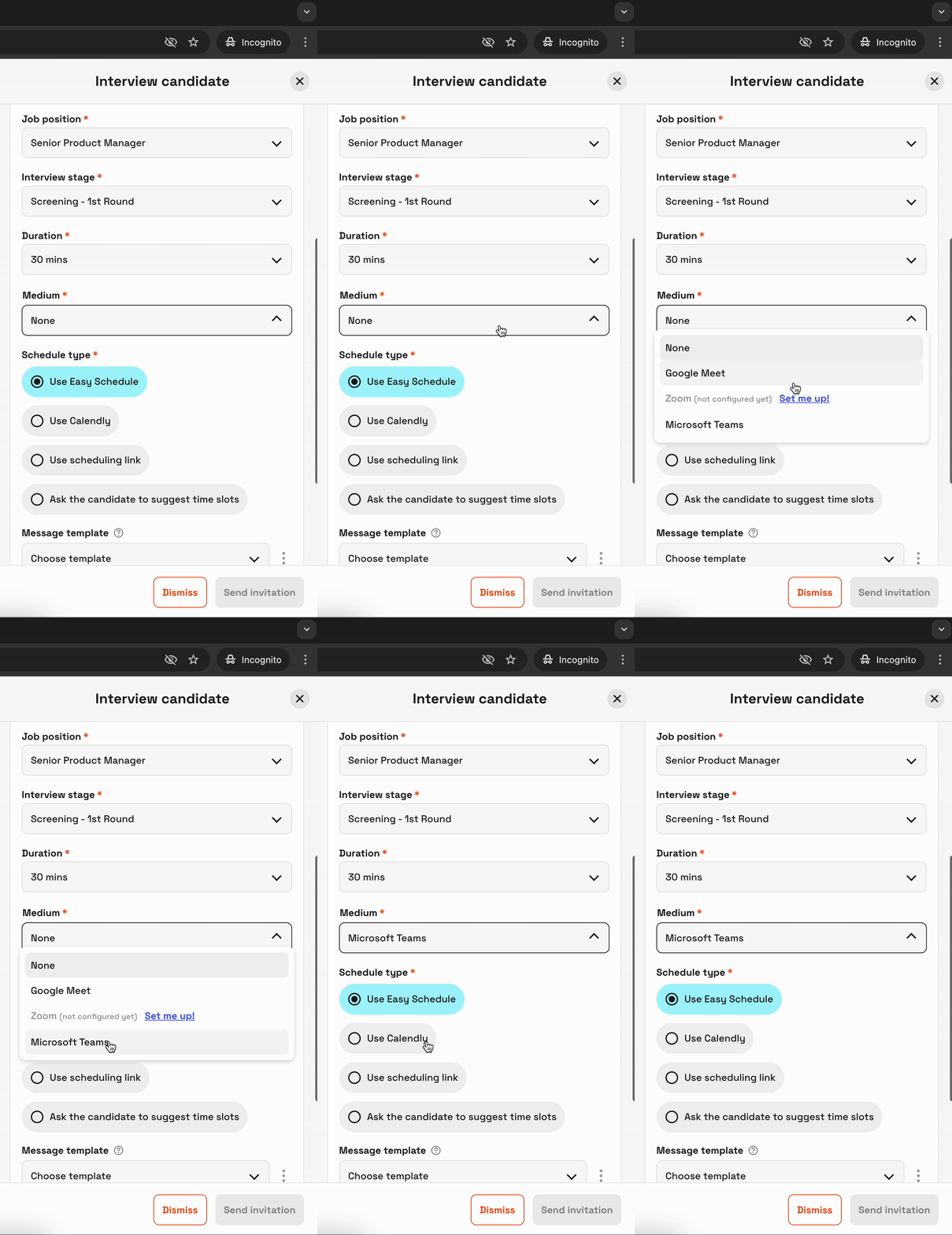
Once you've added the Teams integration you will be able to select "Microsoft Teams" as the interview medium when sending a request.
For seamless scheduling, please check out the below articles
To setup Microsoft Teams
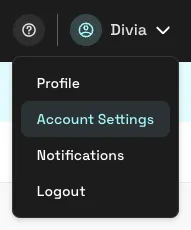
Login to hackajob and navigate to the “Account Settings” page.
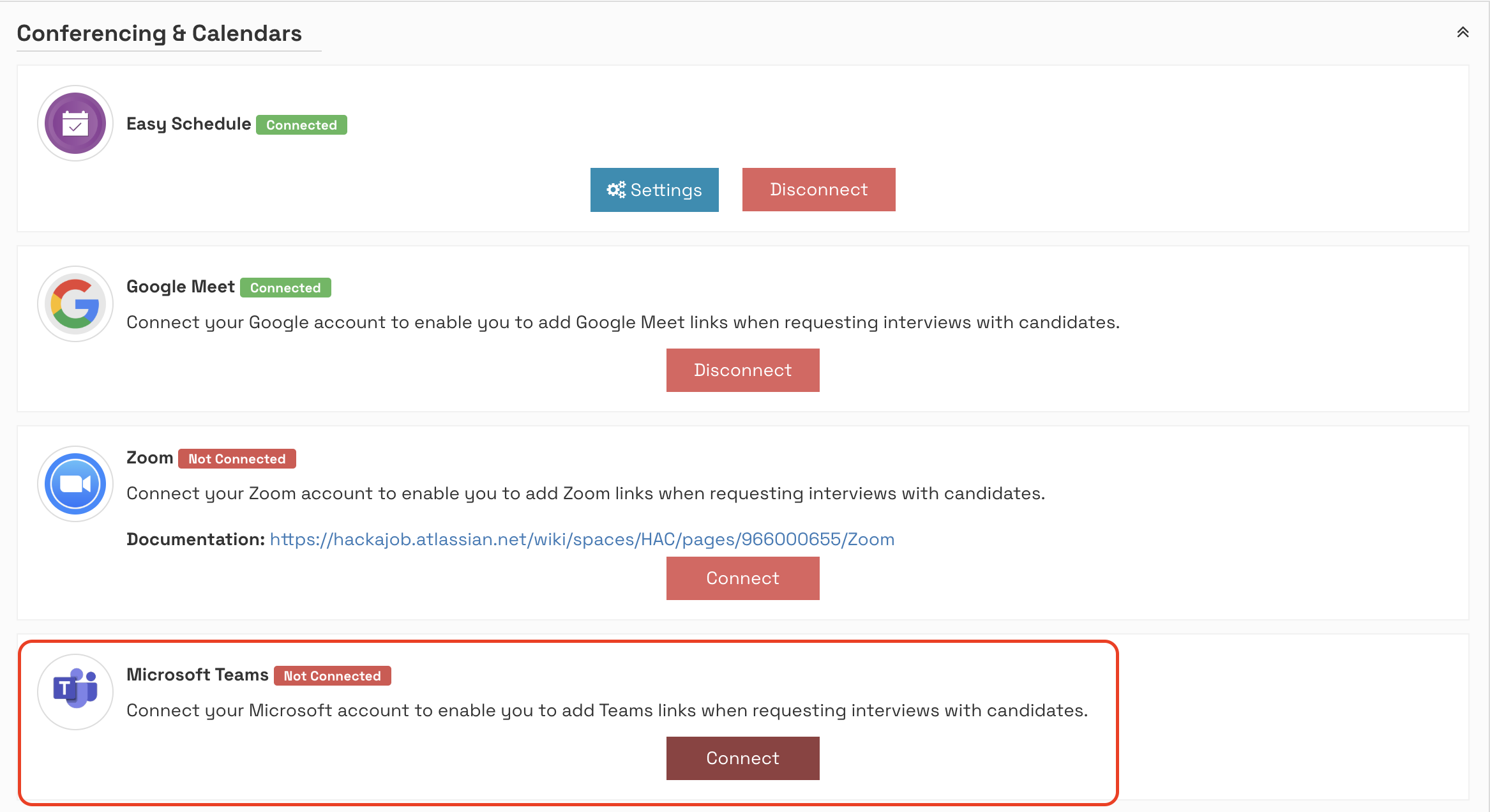
Navigate to the “Conferencing & Calendars” section at the bottom of the page, find Microsoft Teams and click “Connect”.
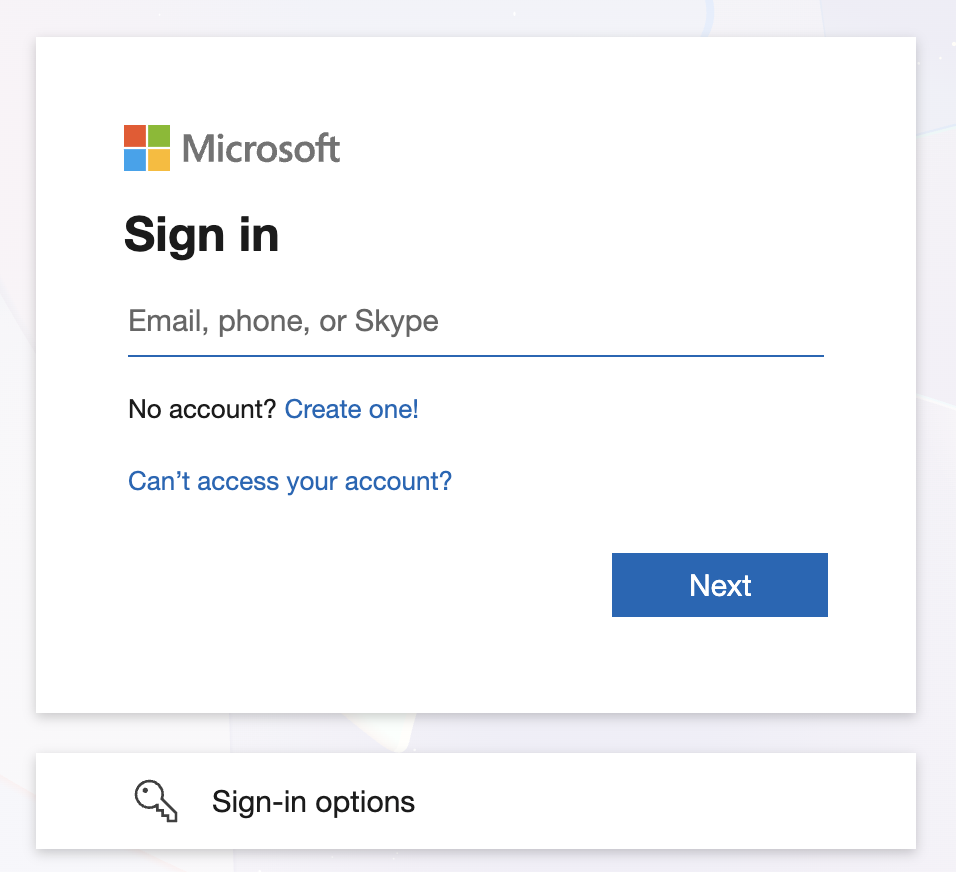
Follow the prompts to connect your calendar.
You will now be able to select Microsoft Teams as the Interview medium when sending a request
What if there is an error?
If the creation of the link is not possible and it returns an error you will see an error on the platform, and the interview won’t be created, edited or progressed. If this happens you should disconnect and re-connect your Microsoft Teams integration.
What data is used to setup these links?
When we generate a Teams link and add it to the interview we have use the following data
hackajob Candidate Full Name
hackajob Candidate Email
Meeting Organiser Full Name
Meeting Organiser Email
Meeting Date & Time
Meeting URL
💁 Contact your Customer Success Manager for assistance at any stage in the process and we'll aim to ensure a seamless experience for you!